
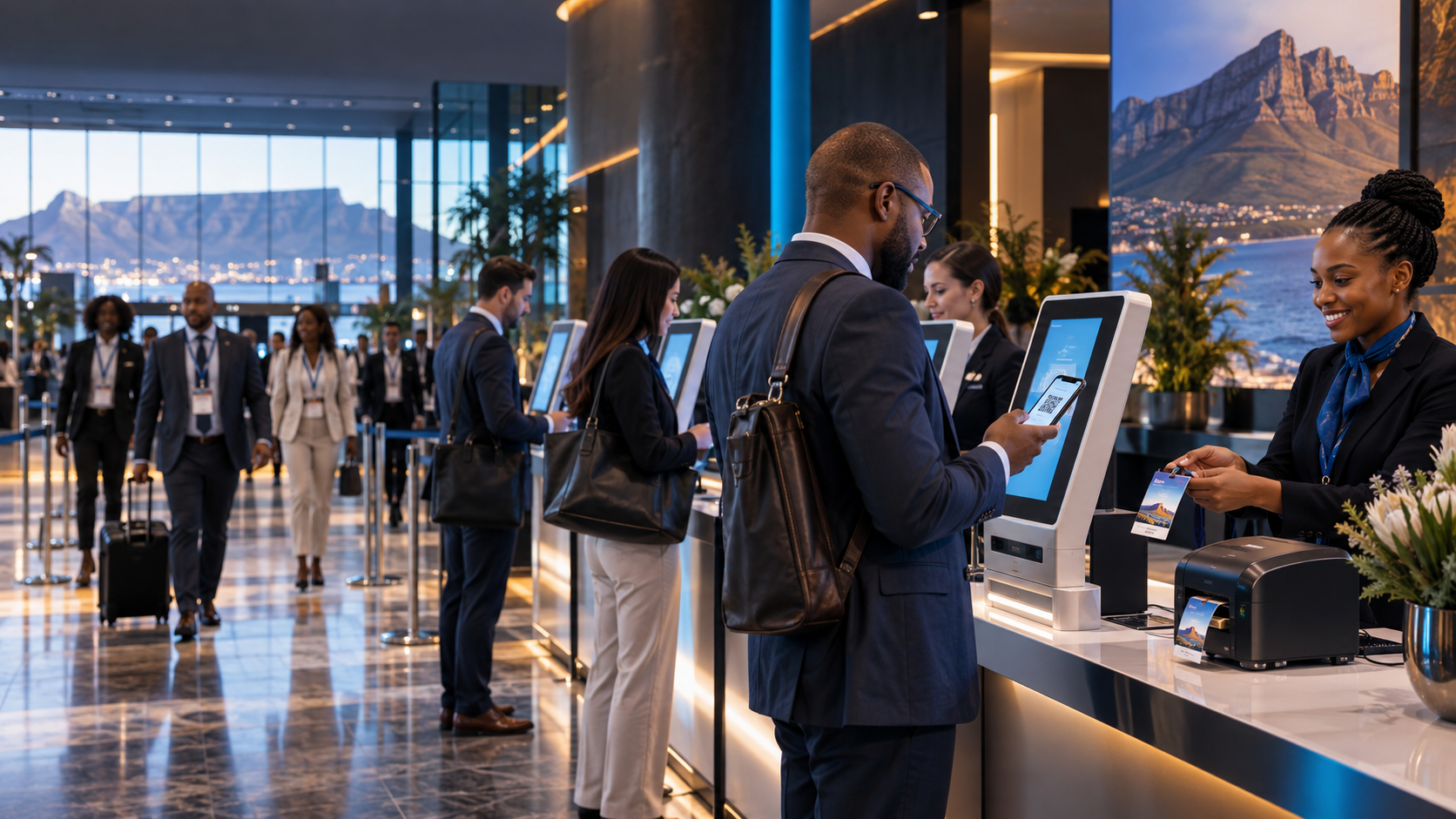
Self-service where it fits
Guests scan, search, confirm and complete their own check in through a clear branded interface. Staff remain available for assistance and exceptions.
Staff-assisted for high-touch events
The same platform can be run by a trained registration host for executive, VIP, government and formal environments.
Branded from screen to badge
Registration screens, kiosk treatments and credentials can share one visual language, making the first physical touchpoint feel part of the event.
Choose the right touchscreen kiosk format
AFRIREG offers 24 inch and 32 inch touchscreen registration configurations in portrait and landscape layouts. The best format depends on the venue entrance, available floor space, whether guests will scan or type, and how closely the screen should reflect the event environment.
Portrait kiosks create a strong digital presence and work well for guided guest journeys. Landscape touch stations can provide more space for search, review and staff assistance. A project may combine both formats to serve different registration zones.
A fully branded self service experience
The interface can use event colours, artwork, welcome messaging and clear touch controls. Guests can scan a credential, search by name, confirm details and complete approved questions without feeling as though they have entered a separate generic system.
Good interface design reduces typing, makes error messages understandable and keeps the next action obvious. AFRIREG also provides an assisted route for guests who require help, protecting accessibility and the quality of the welcome.
Connecting kiosks to badge printing
A completed touchscreen check in can send the correct guest record to an onsite badge printer. The system can apply different badge artwork for VIPs, speakers, exhibitors or staff while updating attendance at the same time.
Printer placement and collection flow are planned with the kiosk layout. This prevents completed guests from gathering in front of active screens and keeps the registration area moving during the arrival peak.
Setup, networking and onsite operation
Kiosks need stable power, suitable connectivity, secure positioning and a tested device configuration. AFRIREG manages delivery, setup, interface testing, peripheral connections and breakdown as part of the onsite service.
Technical staff monitor the stations during operation and can redirect guests if one lane becomes busy. The organiser receives a managed registration environment rather than a collection of rented screens.
Frequently asked questions
Are kiosks suitable for every event?
Not always. We may recommend a blend of self service, staffed counters and mobile scanning depending on the audience and arrival conditions.
Can the kiosk print a badge?
Yes. A successful check in can trigger a personalised credential at a connected print station.
Can kiosks work without internet?
Local or offline ready options can be designed where venue connectivity is a risk.